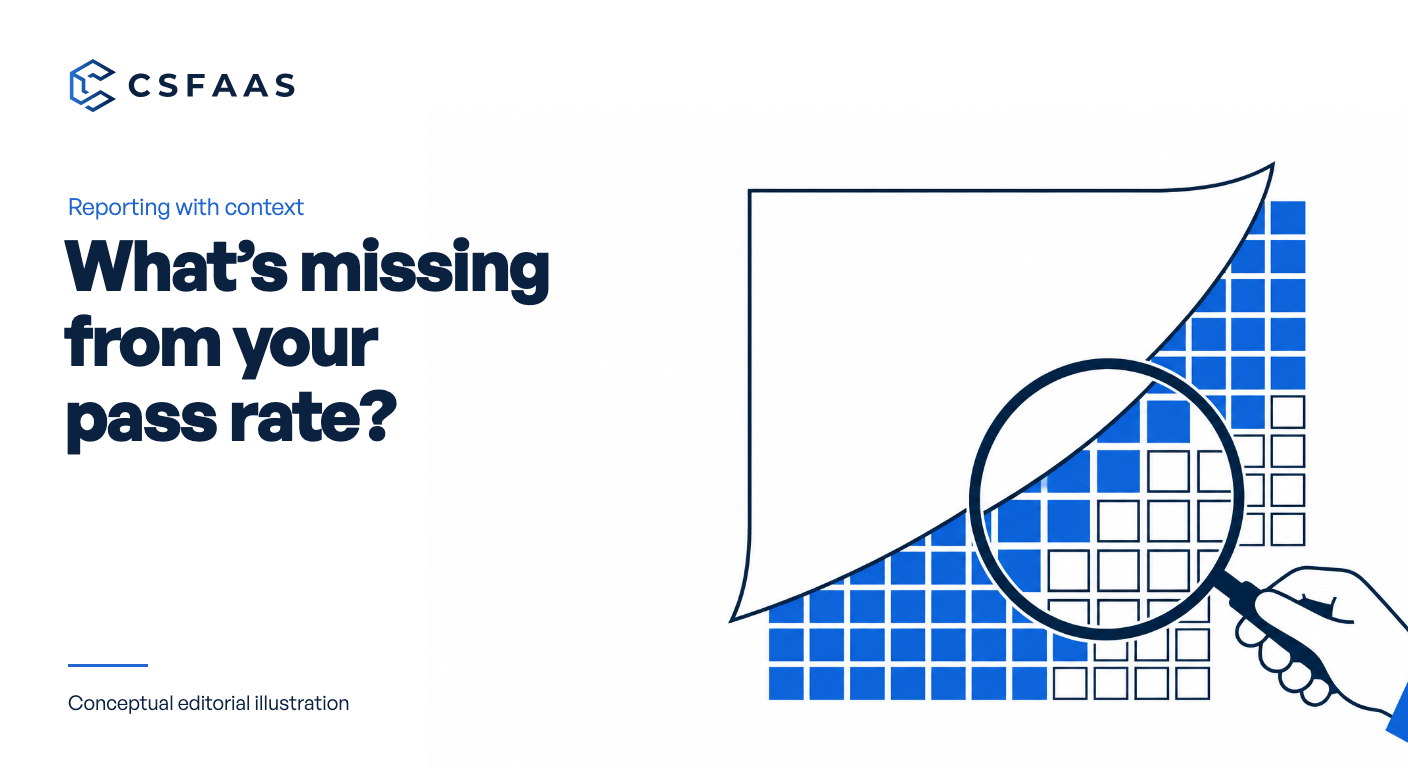
“All checks passed” can hide the checks that produced no answer. If unobservable results were left out of the calculation, the report needs to explain that limit before a manager uses it to make a decision.
Consider a fictional public Notion page used for an event. Its check is marked not observable, but the draft management summary reports success across Notion. The repair starts with the population behind the summary, then follows the saved policy to a report line the manager can act on.
Define the population before the percentage
Write down which evaluations the summary covers, then show how each reported result was treated. A percentage calculated only from observed checks answers a narrower question than one covering every check in scope. Both the calculation and its label need to make that difference visible.
We recommend recording the following beside the summary. These are reporting fields for your team to prepare, not claims about a built-in CSFaaS report:
- Scope: the checks and observation period included.
- Population: all checks in scope, with unobservable results identified.
- Calculation: which results contribute to the numerator and denominator.
- Open work: the unobservable results that still need investigation.
For the fictional event page, replace the blanket conclusion with “The event-page check is not observable; required information was unavailable.” If the wider report retains a pass rate for observed checks, label it that way and disclose the unresolved population alongside it. A reader should not need to open the source records to discover that coverage is incomplete.
Now add the business question: should the page remain public after the event? This gives the report a specific subject while keeping the technical gap separate. The page could still serve a public purpose, and the team must establish that purpose before deciding what to do with it.
Set the scope around the activity you need to assess. The risk management fundamentals guide starts with the assets and threats that matter; a report should make clear which part of that scope its check results actually cover.
Attach criteria to the statement
Next, explain the rule used for the result you are reporting. In CSFaaS, a Notion connection can have a versioned policy that defines approved email domains and public-page exceptions. Results link to the policy and rule versions used for the run. Use those links to identify the actual criteria, including when a newer policy is now available.
A reader should be able to distinguish a result produced under an earlier policy from one produced under the current policy. If you compare evaluations, show which versions belong to each. Do not describe a difference as a change in security posture before checking whether the criteria themselves changed.
For the event page, suppose the saved exception reason is to share the schedule with attendees. CSFaaS retains a reason for each public-page exception. Add that reason to the report as the basis of the saved choice, then flag the new question: the event has ended, so does that purpose still apply?
- Question. Which page and intended use are being examined?
- Criteria. Which policy and rule versions produced the result?
- Exception. Does the saved policy contain a relevant exception and reason?
- Open point. What still needs confirmation before the explanation is complete?
Describe the observation honestly
CSFaaS marks a Notion check as not observable when Notion does not expose the information the check requires. This is a distinct result, not another way to say that the check passed. Keep that wording visible when summarising the result for a manager who will not inspect the underlying record.
A plain explanation is: “This check could not observe the information needed to answer its question.” Add the specific missing information only if you have verified it. Avoid guessing that a permission, synchronisation error or provider limitation caused this particular result merely because each sounds plausible.
Suppose the page owner replies that attendees still need the schedule to find recordings. Report that as the owner's explanation of the continuing public purpose. It is useful context for the exception review, but it supplies no missing technical information unless the investigation establishes that connection.
Explain the investigation performed
The 31 October release also lets teams read integration checks through the API and connected AI tools. Teams can read current results separately from historical evaluations and inspect synchronisation runs to understand reported failures. Operational reads require Integrations Read permission in the connected workspace.
List the sources examined with a short explanation of what each contributed. This makes the investigation reproducible without copying the entire technical history into the management summary:
- Current result. Establish the currently reported observation.
- Historical evaluation. Identify the earlier result and the criteria attached to it.
- Synchronisation run. Inspect a reported failure before proposing it as an explanation.
For example, write that a historical evaluation was inspected to identify the policy it used. If a reported synchronisation failure remains unexplained, leave that as an open investigation point. Avoid filling the gap with a reassuring statement that the current result must be complete or that the earlier result must have been wrong.
Write the finished report line
A report becomes useful when its reader can see what happens next. Assign a clear investigation question to the appropriate person through your existing process. Ask for information that would change or complete the explanation, rather than a vague instruction to “review Notion”. State how the answer will be checked before the open point is considered resolved.
Our fictional report can now say: “The pass-rate summary excludes the event-page check, which is not observable. The saved exception allows public access for the event schedule; the owner says attendees still use it to find recordings. The compliance manager will review that continuing purpose, and the integration administrator will investigate the missing check information before the next reporting meeting.”
That wording gives each source its place and assigns two different questions. When either answer arrives, update that part of the explanation and retain the date of the observation. A later decision to retain public access is a decision about the exception, not proof that the earlier check passed.
The security governance guide connects oversight with accountable decisions and evidence that controls work. Use your report to support that oversight: make the observation intelligible and make unresolved work visible without claiming more certainty than you have.
Review the summary before circulation
Take one summary already drafted for management. Compare it with the source result using these checks before it leaves your team:
- Name the page and the evaluation being reported.
- Keep its policy and rule references available.
- State the pass-rate denominator and disclose unobservable results.
- Label the owner's explanation separately from the check observation.
- Give each unresolved question a named investigator and an agreed reporting point.
The 31 October release notes describe the versioned policies and check history used here. Before your next report, open your Notion connection's Settings and review the saved policy and exception reasons for one result whose meaning is unclear.