

1. Overview
Evidence is the documentation that proves your compliance work: audit reports, certificates, assessment checklists, screenshots, contracts, or references to documents kept in your own systems. In CSFaaS, evidence is attached directly to the item it supports, and the Evidences module gives you one central place to browse everything across the workspace. This keeps documentation transparent, audit-ready and easy to share among team members.
2. Files or links
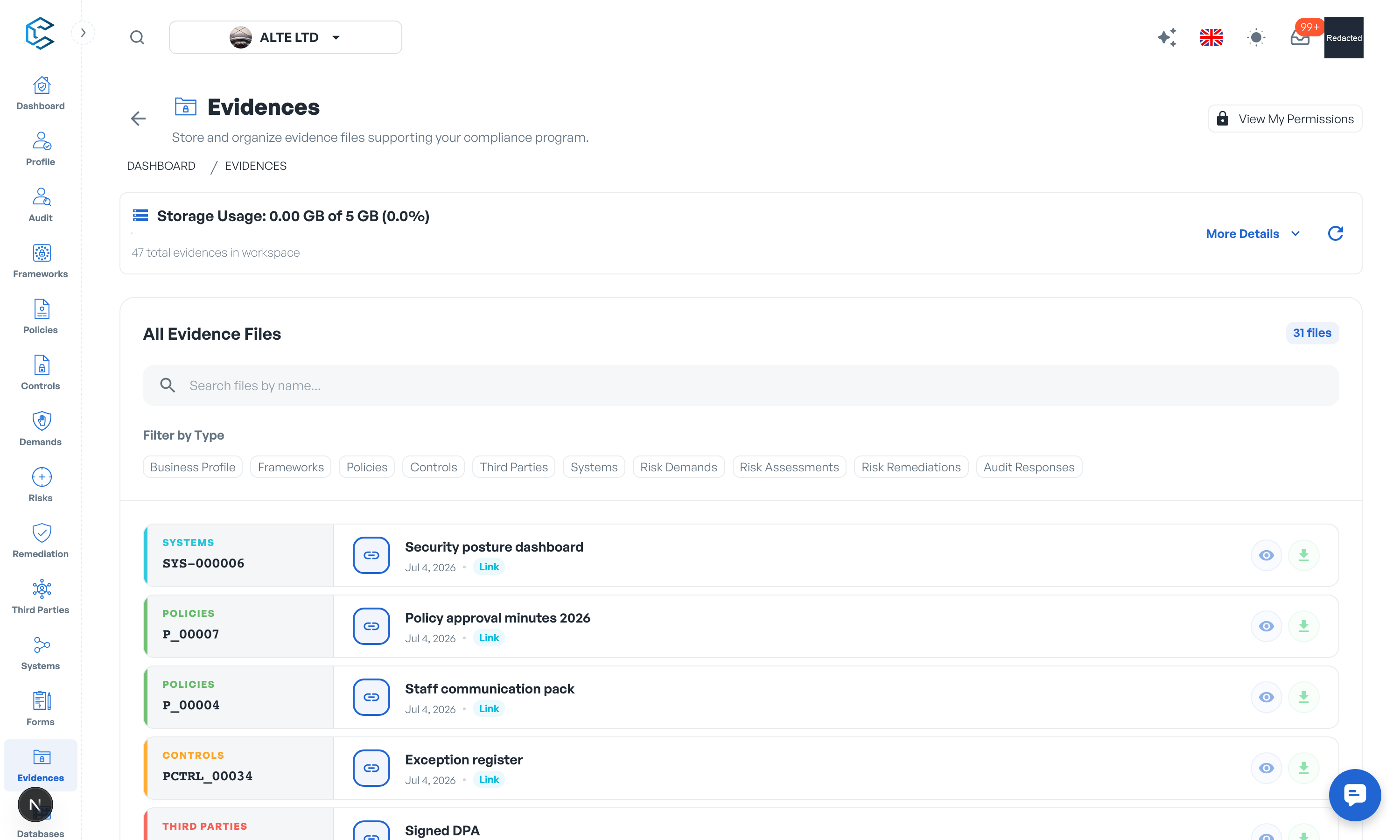
Every piece of evidence is either an uploaded file, kept in your workspace's secure storage, or an external link to a document that stays in your own document management system. A link carries a name and a URL; only the link itself is stored in CSFaaS, never the document behind it.
3. Organised by module
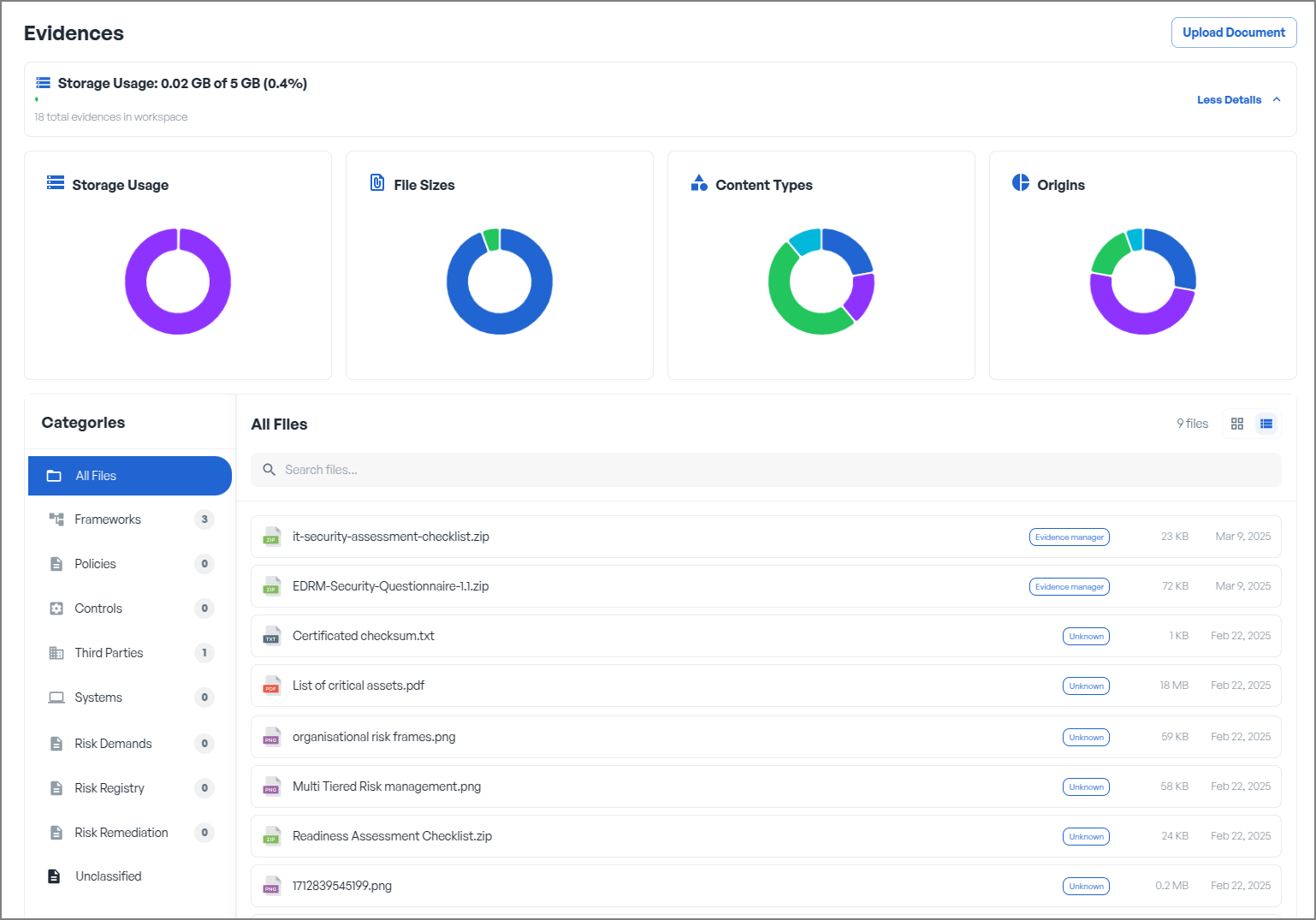
The left-hand Sections menu of the Evidences module mirrors the places evidence can be attached: Frameworks, Policies, Controls, Third Parties, Systems, Risk Demands, Risk Registry, Risk Remediation and Audit Responses. Each section lets you browse its items (for example a framework's domains, categories and controls) with evidence counts at every level, so you can see at a glance which items are documented and which are not.
The All Evidence Files view lists every file and link in the workspace, with a name search and a filter by file type.
4. Evidence details and preview
Selecting a piece of evidence opens its Evidence Details panel: creation date, file size, the source item and a Go to item shortcut back to the record it supports. Images, PDFs, text documents and videos preview directly in the built-in viewer; any file can be renamed, downloaded or deleted (deletion asks for confirmation and cannot be undone). For link evidence you can copy the URL or open the site directly.
5. Secure storage and limits
Uploaded files live in your workspace's private storage and are served through short-lived signed URLs: there are no public file links. Supported uploads include images, video, audio, PDF, ZIP archives and plain-text files, up to 50 files at a time.
Every workspace includes 5 GB of evidence storage. Additional storage is a paid add-on at 0.20 EUR per GB per month, managed from Settings, Billing. When the limit is reached, new uploads are blocked until storage is freed or extended; links can still be added.
6. Links-only mode
If your organisation prefers to keep every document in its own systems, an administrator can turn off Allow evidence file storage in Settings, Evidences. The workspace then switches from "Files & links" to "Links only": every evidence drawer offers link attachment only, and no files are stored in CSFaaS.
Tip: the Platform API can list every evidence record and download the files (see Settings, API & MCP), so you can archive them with your own tooling.
Privacy note. Personal details in this revision have been removed, masked or replaced for privacy. The original is retained privately.