

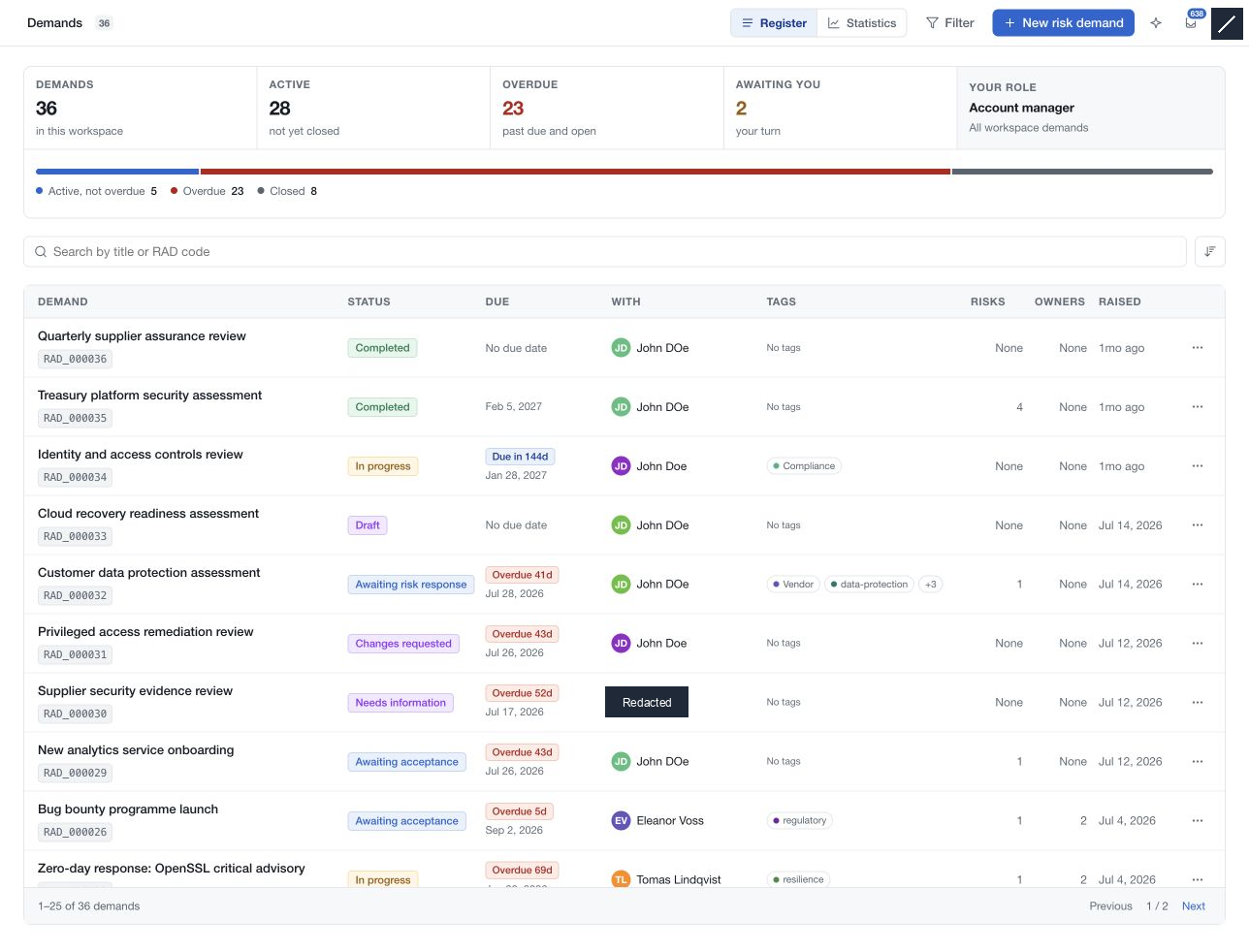
Use the demand register to focus the assessment queue by responsibility, status, scope or urgency. Search and filters apply to the demands your access permits you to see.
Search and sort
Enter text in Search risk demands and choose the available sort order. Use the pagination controls beneath the results to continue through the matching set. The result range and page count describe the current query.
Combine filters
Choose Filter and use Search filter values to find choices within the panel. Selections apply to the register without the old Apply Filters step.
| Filter area | Examples |
|---|---|
| Status and signals | Workflow macro stage, overdue, evidence, PII, PHI, risks without a response |
| Demand and dates | Classic/System/Third party, creation dates, due dates, completion date |
| Organisational scope | Priority, regions, countries, business units, functional domains |
| Context | Data classifications and states, business goals and drivers, request impact |
| Responsibility | Requester, risk owner, demand owner |
| Grouping and treatment | Tags and risk response |
Status filters group the workflow into broader stages. A row can display a more specific step, such as awaiting risk response, within an in-progress group.
Review the result
Check the matching count and active selections before interpreting an empty list. Clear filters to broaden the set, and clear the search separately if needed. The Overdue summary offers a quick route to demands whose deadline has passed while work remains open.