

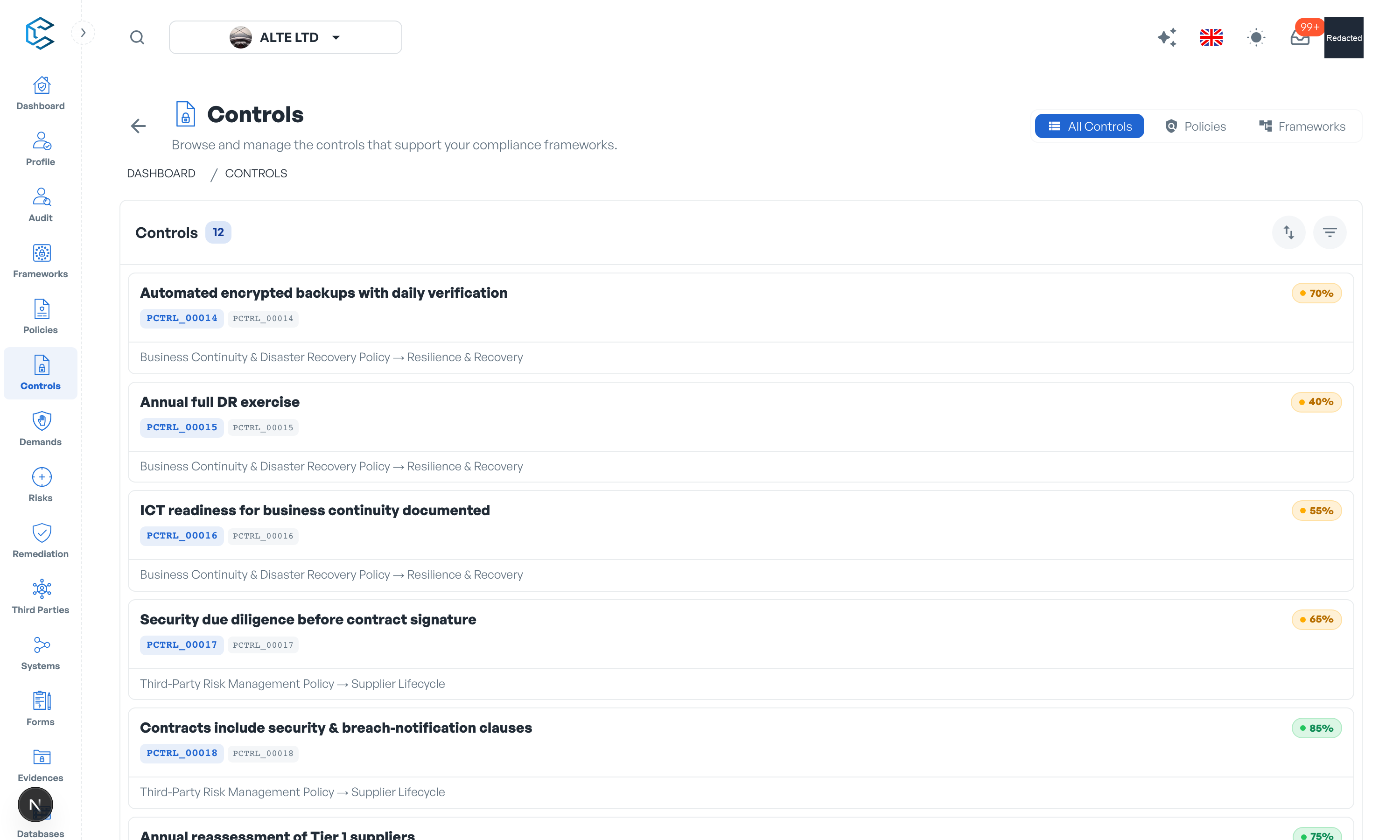
Controls are the actionable measures behind your policies: what your organisation actually implements, evaluates and proves. In CSFaaS, controls live inside the policy structure (under categories and subcategories) and are also manageable from a dedicated Controls page that consolidates them all.
1. Key Features
- Create controls: add them manually where they belong in a policy, or import them from the control catalogue (ISO 27001, NIST, SOC 2 and more).
- Edit controls two ways: in context from the Policies tree, or centrally from the Controls page.
- Completion progress: track each control's implementation from 0 to 100 percent, with a justification.
- Weighting: weight controls on your workspace weighting scale so critical controls count more.
- Maturity: set current and target maturity levels with descriptions.
- Attributes: classify controls with catalogue-driven attributes (control function, control type, security domain, information security properties and more).
- Organisational information: map controls to business units and functional domains, and assign owners.
- Periodicity reviews: schedule recurring control reviews with automatic reminders to the owners.
- Framework links: link controls to framework elements; control links are what drives the frameworks' compliance tracking.
- Evidence: attach files or links that prove the control is in place.
- Comments and codes: discuss each control, and rely on its permanent registered code alongside the editable display code.
2. Built for Teamwork
Like frameworks and policies, controls are collaborative: changes from colleagues appear live, structure moves and page edits are confirmed through the floating save bar, and control texts support simultaneous editing.
Privacy note. Personal details in this revision have been removed, masked or replaced for privacy. The original is retained privately.