

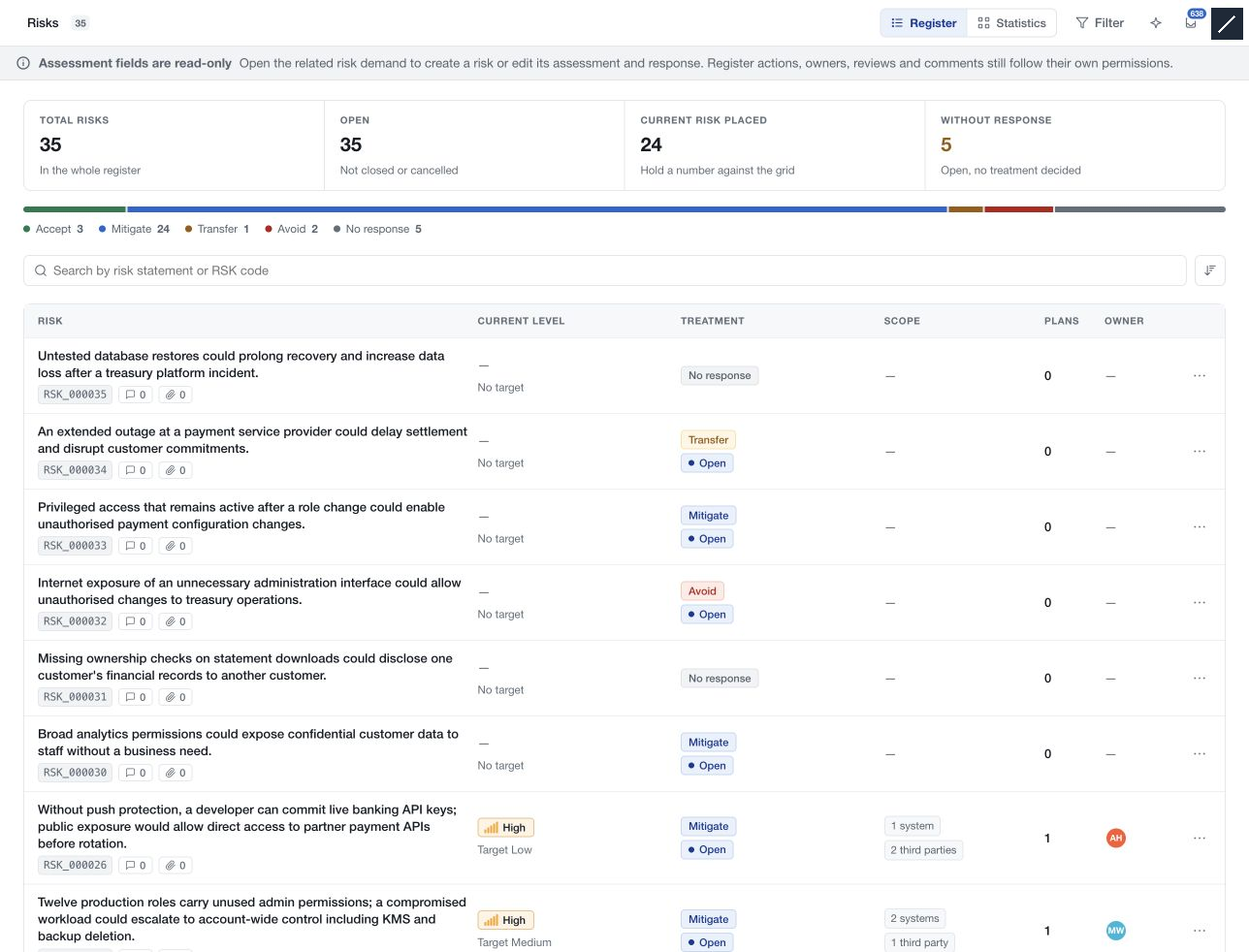
Open Risks under Risk to review the assessments recorded across the workspace. Select a row to open the risk detail alongside the register.
Read the assessment
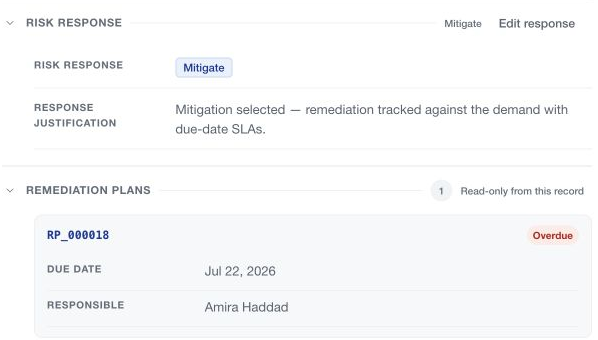
The detail presents the risk profile, inherent/current/target assessments, recommended controls, response, remediation plans, owners and source context. Assessment and response content are read-only here. Open the related demand when those fields need editing.
Use the object panel for permitted comments, evidence, owners and review scheduling. Resource permissions remain separate from the read-only assessment presentation.
Close a risk
Open the row's More risk actions → Close the risk and review the confirmation. The action concerns that individual risk, not its whole demand.
The required authority depends on the workflow and accountable risk ownership. Where assurance validation is enforced, closure first moves the risk to Pending validation; an authorised assurance reviewer completes the closing step. Otherwise an authorised closure can proceed directly.
Review any warning about related remediation plans, including missing responsibility. Closing the risk does not prove that undocumented work was delivered.
Restore or delete
Restoring a terminal risk requires workspace-administration authority. Use it for an appropriate continuation or correction; create a new demand when a new assessment cycle is needed.
Deletion is a separate confirmed action with its own permission. Check the exact risk and related work before removing it. Keep the recorded treatment decision, assessment completion and risk closure distinct when explaining the outcome to stakeholders.