

The Policies module is where your governance actually gets written. Build policies from your frameworks or from scratch, structure them into categories, subcategories and controls, co-write their content in real time, and track maturity and compliance as they evolve.
1. How Policies Are Organised
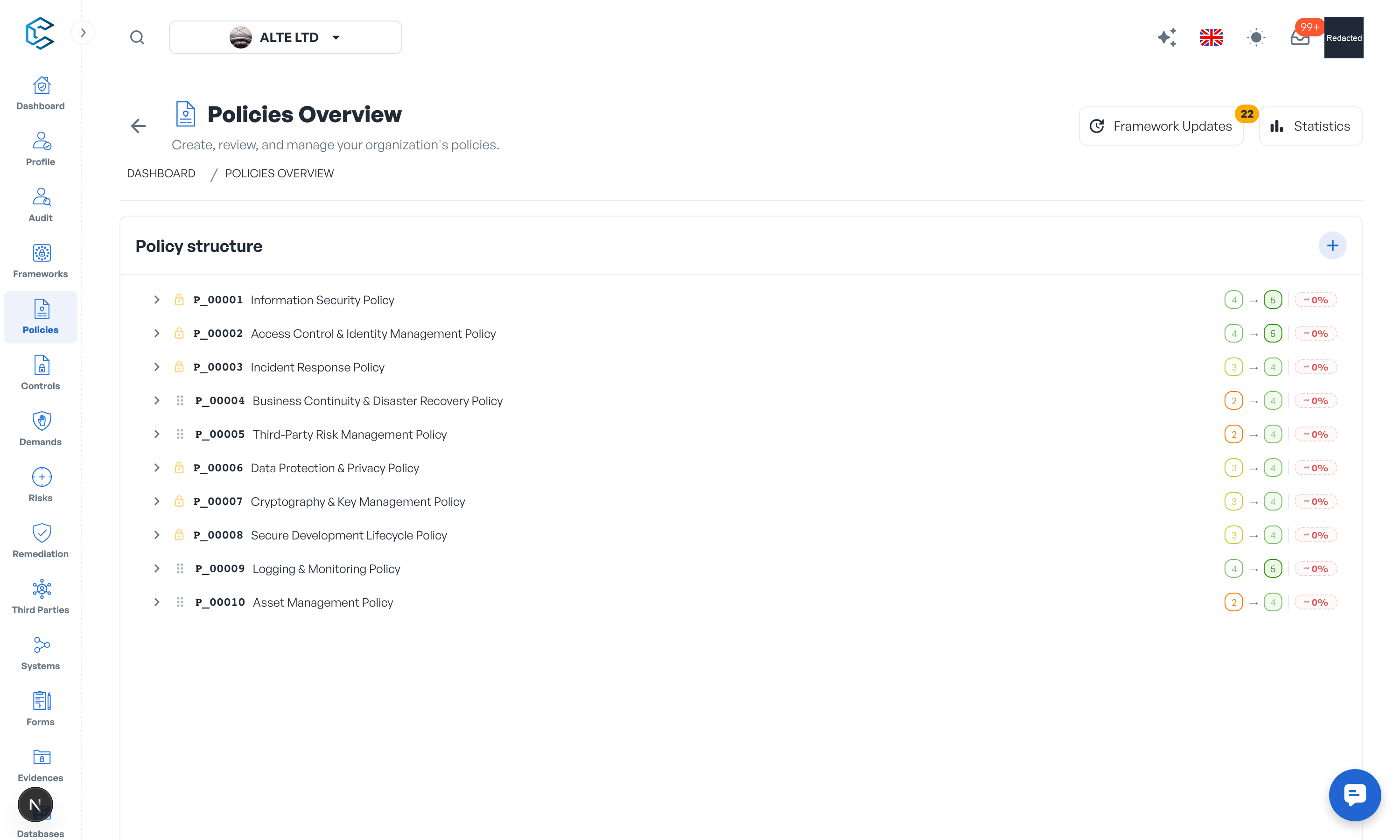
The page shows all your policies in a single Policy structure tree, next to a details panel for the selected element. A policy is a top-level document that contains categories, which group subcategories and controls, the actionable measures your organisation implements. Every element has an editable display code and a permanent auto-generated registered code for traceability.
2. Key Features
- Build from frameworks: elements you mark as Implemented in a framework flow into Policies through Framework Updates, ready to be implemented into your policy structure.
- Custom policies: create bespoke policies, categories, subcategories and controls tailored to your organisation.
- Rich-text content: every element carries a full rich-text description; several members can edit the same text simultaneously, like a shared document.
- Multi-framework cross-mapping: link policy elements and controls to one or several frameworks and keep traceability across standards.
- Framework change tracking: when a linked framework changes, the Framework Updates drawer alerts you so you can implement or discard each change.
- Maturity tracking: set current and target maturity levels on policies, categories and subcategories.
- Controls completion: each control tracks its implementation progress from 0 to 100 percent.
- Versioning and approval workflow: create major and minor policy versions and send them for validation.
- Owners, evidences, comments and share links on every element.
- Statistics: maturity analytics with radar, Sankey and heatmap charts.
3. Confidential Details and the Policy Viewer
The assessment layer of the module (evidences, internal comments, maturity and evaluation data, and the statistics panel) is gated by the Policy Confidential Details permission, on top of Policy Management. A member with Policy Management read access but without confidential details acts as a policy viewer: they read the policy content and structure on the latest version only, without action icons or assessment data. This is ideal for distributing policies to the whole organisation while keeping GRC work internal.
4. Built for Teamwork
Policies are live: edits from colleagues appear without refreshing, and live cursors show who works where. Page edits gather in the floating save bar at the bottom (Save / Discard); drawers keep their own submit buttons.
Privacy note. Personal details in this revision have been removed, masked or replaced for privacy. The original is retained privately.