

To delete a Control
- Navigate to the control you wish to delete.
-
Click on the three vertical dots on the control card.

-
Select “Delete Control” from the dropdown menu.
-
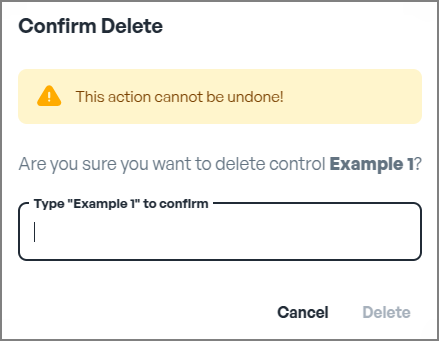
Confirm Deletion
Your control is deleted.