

Tracking control progression ensures that each control evolves as planned, aligning with organisational goals and improving overall security posture.
You can define and update control progression directly within the control card.
Define control progression
To define control progression:
- Navigate to the control you want to update.
- Click on the control progression icon.
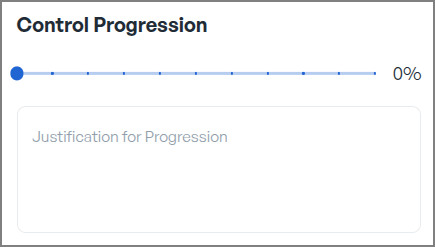
- Define the level of control progression:


- In the provided text box, enter a justification for the selected progression level, detailing the reasons or evidence supporting this assessment.
By following these steps, you can systematically track and manage the advancement of each control, ensuring they evolve in alignment with your organization's objectives and security requirements.