

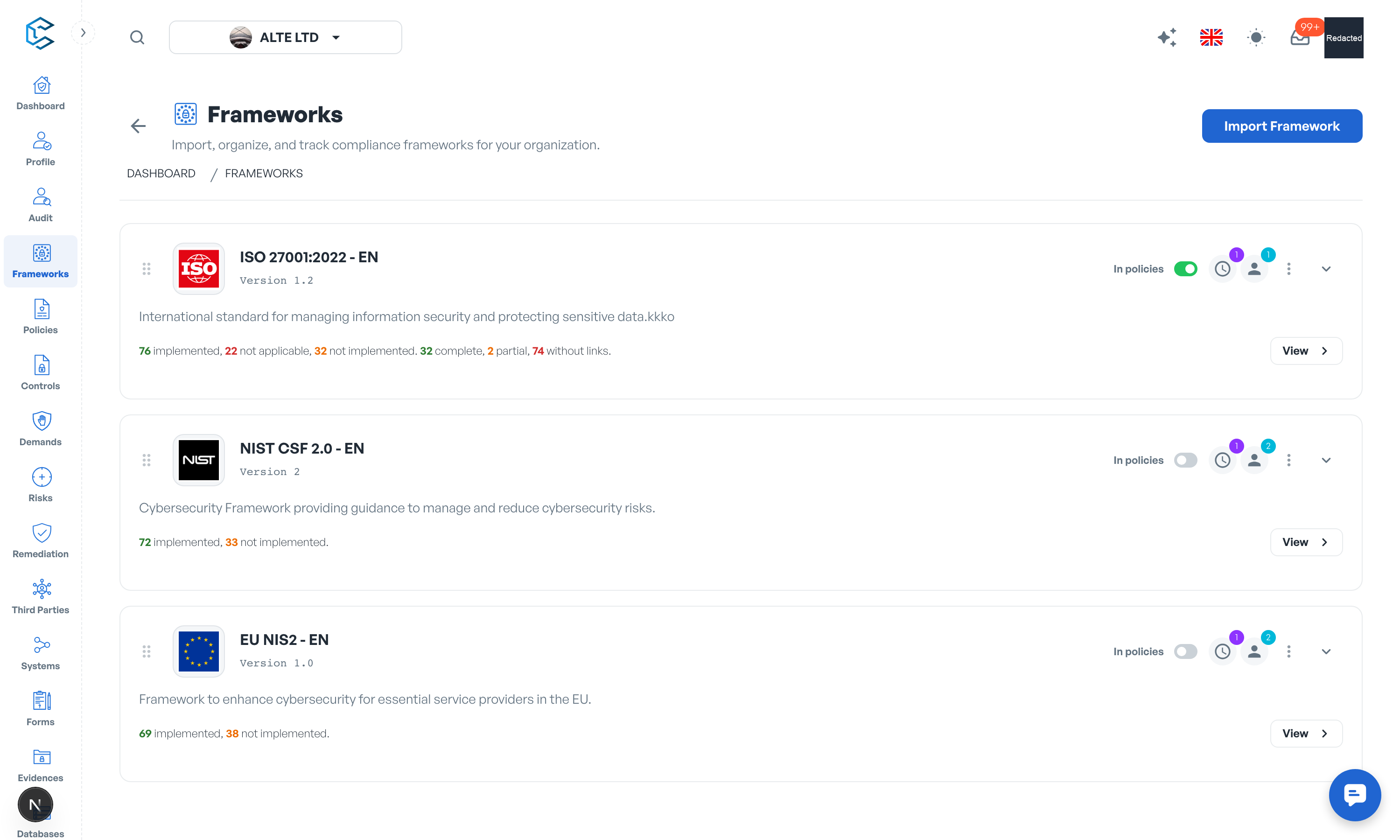
The Frameworks module is where you frame your compliance environment. Import ready-to-use frameworks or build your own, structure them into domains, categories and subcategories, and track applicability, maturity and policy coverage as your programme matures. This keeps your security and compliance efforts aligned with your organisational goals.
1. Key Features
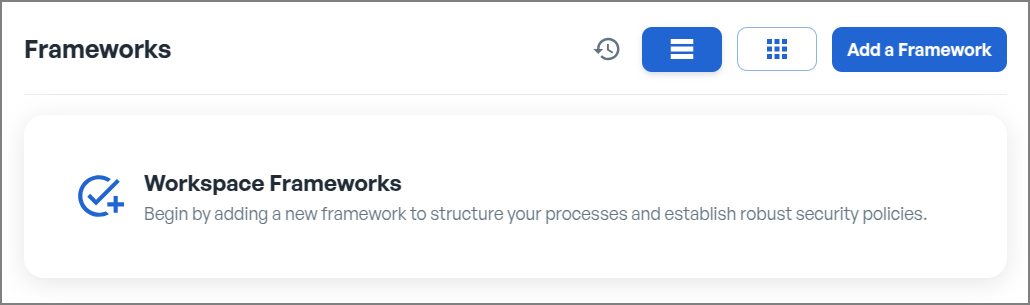
- Framework library: import any of the 29 supported frameworks (ISO 27001, NIST CSF 2.0, SOC2, DORA, NIS2 and more) in one click.
- Custom frameworks: start from scratch and build a framework tailored to your own practices and requirements.
- Framework structure: every framework is organised into Domains, Categories and Subcategories, with drag-and-drop reorganisation.
- Applicability: mark each element as Implemented, Not Implemented, Not Applicable or Unknown, with a justification.
- Maturity tracking: set current and target maturity levels (from Not defined to Optimized) on every element.
- Weighting: weight each element on your workspace weighting scale so critical items count more in the overall assessment.
- Policy linking and Controls Completion: switch a framework "In policies" and track how completely your policy controls cover each requirement.
- Versioning and approval workflow: create major and minor versions, send them for validation and keep the full approval history.
- Owners and periodicity reviews: assign owners at every level and schedule recurring reviews with automatic reminders.
- Evidences and comments: attach supporting documents or links and discuss changes directly on each element.
- Share links: generate expiring links to share a framework element with people outside the workspace.
- Analytics: visualise applicability and maturity with radar, Sankey and heatmap charts, plus an overall progression view.
2. Built for Teamwork
Frameworks are collaborative in real time: edits made by your colleagues appear on your screen without refreshing, and live cursors show who is working where. Changes you make on a page gather in the floating save bar at the bottom of the screen; click Save to apply them or Discard to drop them. One-click quick actions, such as the "In policies" switch, apply immediately.
3. Where to Go Next
The following sections walk through each capability in detail: choosing and adding frameworks, managing domains, categories and subcategories, analytics, versioning and deletion.
Privacy note. Personal details in this revision have been removed, masked or replaced for privacy. The original is retained privately.