

Workspace settings bring identity, membership, risk configuration and access controls together. Open Settings from the main navigation and confirm the selected workspace before editing.
Navigate the settings areas
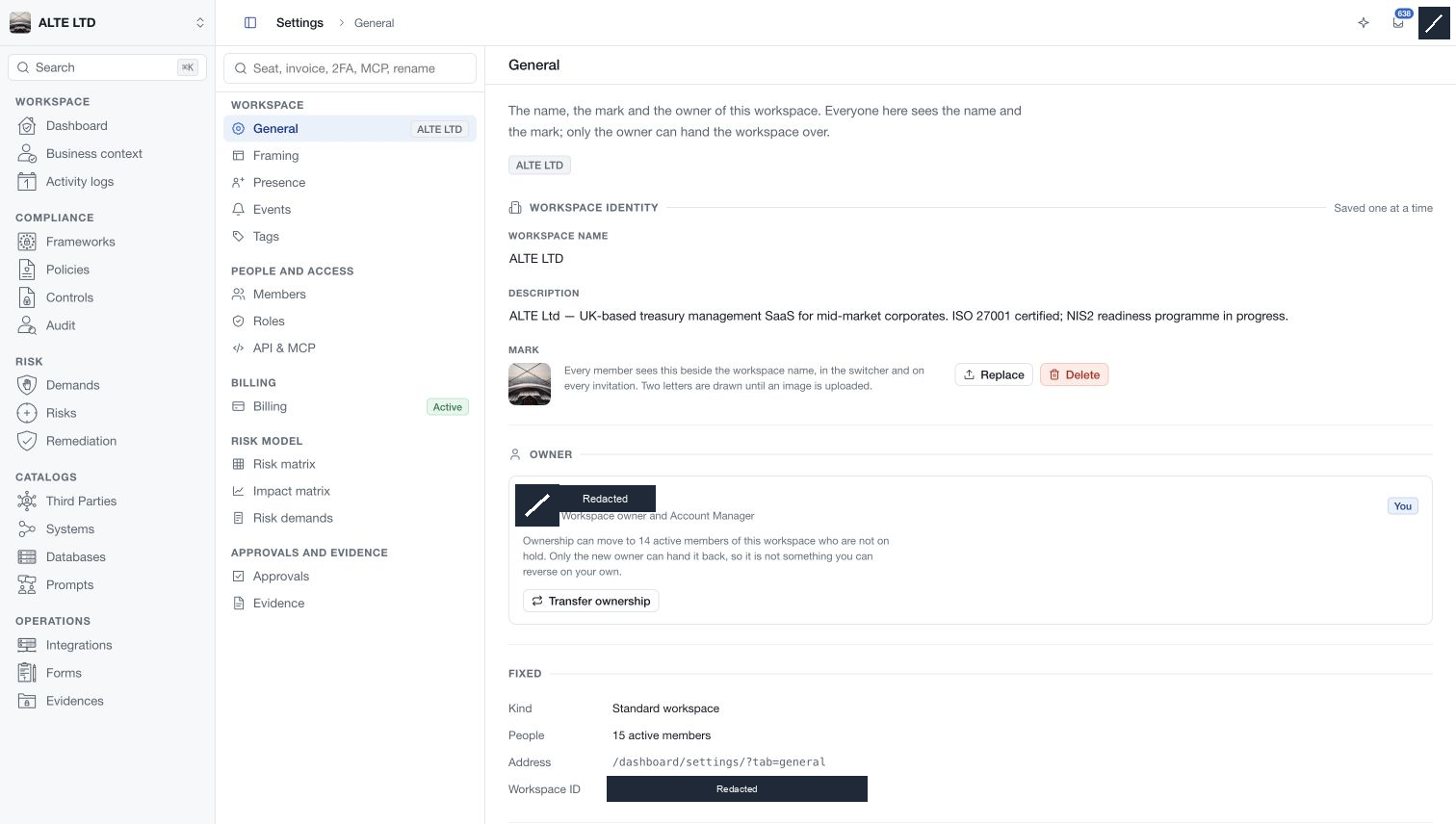
The settings index is grouped around the work each area controls:
| Group | Areas |
|---|---|
| Workspace | General, Framing, Presence, Events, Tags |
| People and access | Members, Roles, API & MCP |
| Billing | Billing |
| Risk model | Risk matrix, Impact matrix, Risk demands |
| Approvals and evidence | Approvals, Evidence |
Search the index by topic when you do not know the area name. Selecting a result opens that area and updates the current location in the header. On a narrower screen, use the settings-navigation control to open the index.
Shared reference catalogues are managed in the Configuration section of the Databases index. Your personal account details and authenticators live in My profile.
Understand scope and permissions
Most settings affect everyone in the workspace. Framing controls available capabilities; Roles and Members control who may use them. Workflow settings determine the review required for particular actions. These are separate decisions.
The page checks your settings permissions, and individual operations can impose additional requirements. Ownership transfer is reserved for the owner. API and MCP each require their own service approval and access settings. Read-only or unavailable states explain what can be inspected and what must be resolved before editing.
Follow the save model shown on screen
The current interface uses several save models. General identity fields are Saved one at a time. Switches and record actions can be Applied immediately. Editors that collect pending changes provide their own save and discard controls.
Before applying a change, check the scope and any confirmation. After applying it, wait for the result and verify the displayed value. Closing a drawer does not undo an already completed action, and discarding one draft does not roll back unrelated immediate changes.
Configure a workspace deliberately
Begin with workspace identity and the capabilities needed for your programme. Assign members and roles, then define the assessment criteria and workflow gates that the team will use. Decide where evidence should be stored and which integrations or connected assistants are appropriate.
Review these choices after organisational changes. A member's job title, a complete configuration checklist, or a high dashboard score does not replace a review of effective access and current assessment evidence.