

Inside each Framing section, every optional capability is a card you can switch on or off. This page explains how the cards behave and what kind of capabilities you will find.
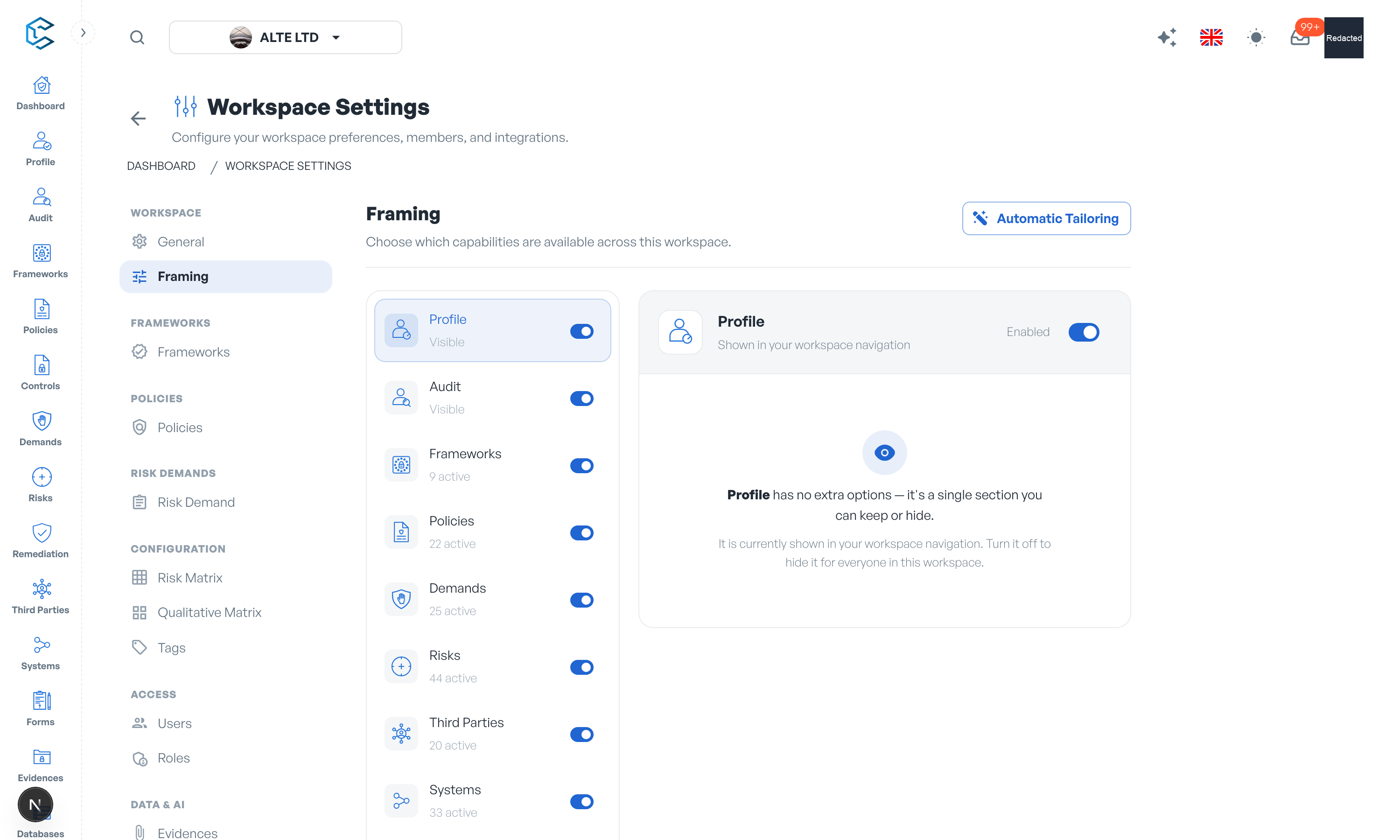
1. Capability Cards
Select a section on the left of the Framing page to list its capabilities. Each card shows the capability's name, a one-line explanation, and a selected indicator. Click a card to toggle it; the change is a quick action that saves instantly (the tooltip reads Applied immediately) and takes effect for every member of the workspace.
A counter above the grid keeps score, for example "12 of 18 capabilities active", so you can see at a glance how much of a section you are using.
2. What Capabilities Control
A capability's effect is defined by the module that uses it: switching it off hides the corresponding fields, panels or actions everywhere they would appear in that module; switching it back on restores them. Typical capability families include:
- Collaboration: threaded comments on items.
- Accountability: resource owners, due dates and periodic review schedules.
- Change control: version history for frameworks and policies.
- Scoping: applicability flags, weighting used in scoring, completion progression.
- Cross-linking: connecting items to frameworks or to related records.
- Analysis: detailed risk profiling fields such as SWOT entries and inherent risk analysis.
Every card carries its own one-line explanation, so you never have to guess what a toggle does before flipping it.
3. Catalogue-Backed Capabilities
Some capabilities are powered by a workspace catalogue (for example a property whose values come from a reference list). Instead of a plain explanation, these cards show a View button that opens the catalogue's entries in place, so you can check exactly which values the capability will offer before enabling it.
The catalogues themselves are managed in the Databases module, under Configuration Catalogs; see the Catalog Properties Settings pages of this documentation.
Tip: rather than reviewing every card one by one, you can start from an Automatic Tailoring preset and then fine-tune individual capabilities. The next page explains how.
Privacy note. Personal details in this revision have been removed, masked or replaced for privacy. The original is retained privately.