

The Controls page is a central hub for managing and monitoring all your policy controls in one place.
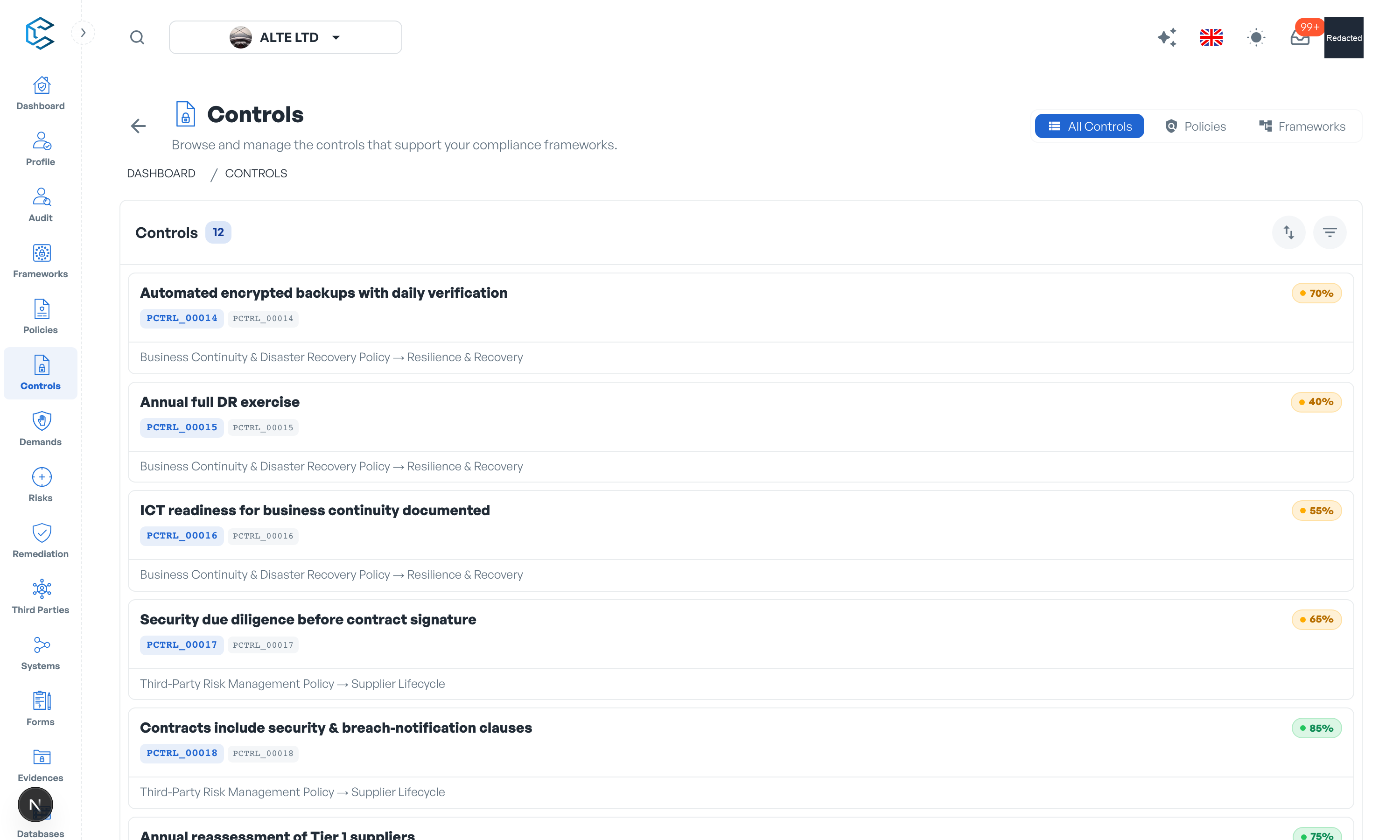
- View, edit and manage controls without navigating through individual policies.
- Use the advanced filters to search, sort and locate specific controls by their properties, status or attributes.
- Perform the same actions as in the policy view (properties, progression, maturity, periodicity, owners, evidences) from one consolidated interface.
This consolidated view saves time and keeps a clear overview of your control set across every policy.
Note: the reference catalogues live elsewhere: the Databases module hosts the Controls Database and the Threat Attacks Database you can draw from, along with the workspace configuration catalogues.
Privacy note. Personal details in this revision have been removed, masked or replaced for privacy. The original is retained privately.