

Open Evidences to browse files and links attached to accessible workspace records. Use Gallery for visual browsing or List for a compact register. The Origins index narrows the view to frameworks, policies, controls, systems, third parties, risk records, audit responses or business profile material.
Search the evidence list, use Filter to refine it, and select an item to inspect its source, author, date and available preview or link actions. Open source item takes you back to the record the evidence supports. Other evidence on that same item appears in the detail panel.
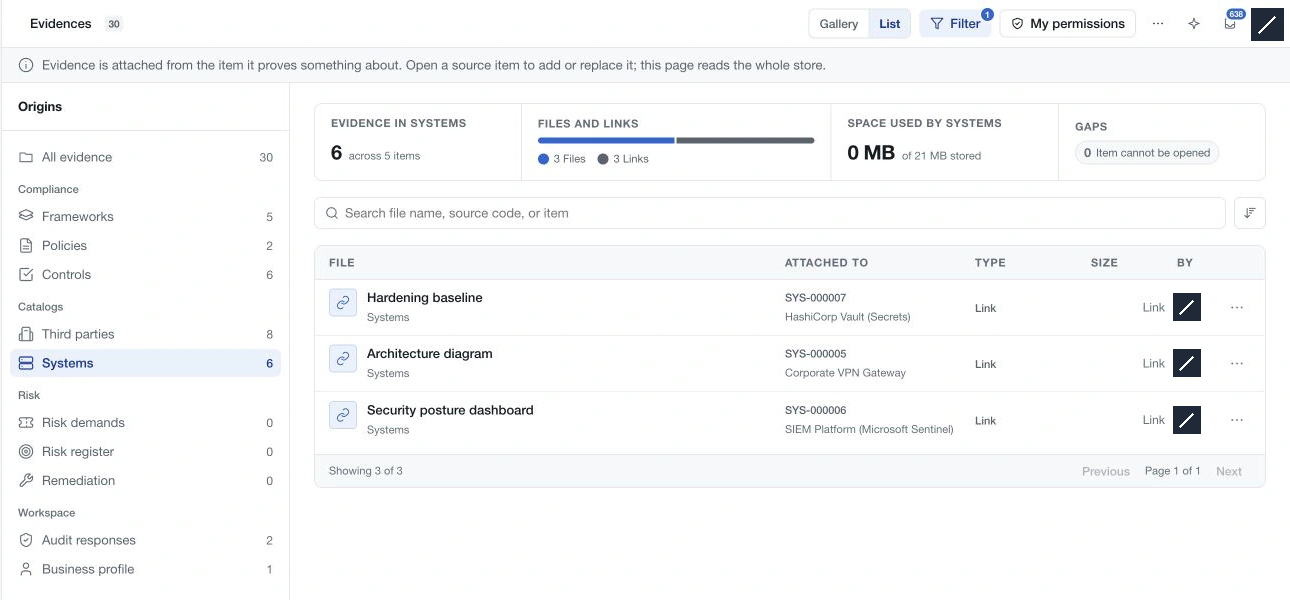
To add evidence, open its source record first. The central library has no general upload action because an attachment needs a specific object and, where relevant, version context.
Use My permissions to understand the actions available in each source area. The storage control shows the workspace's current usage and allowance. Form-response uploads remain with their responses; they are separate from this GRC evidence library.