

Use Audit to assess a selected framework version, record the auditor's conclusions, and follow questions, findings, recommendations and corrective actions.
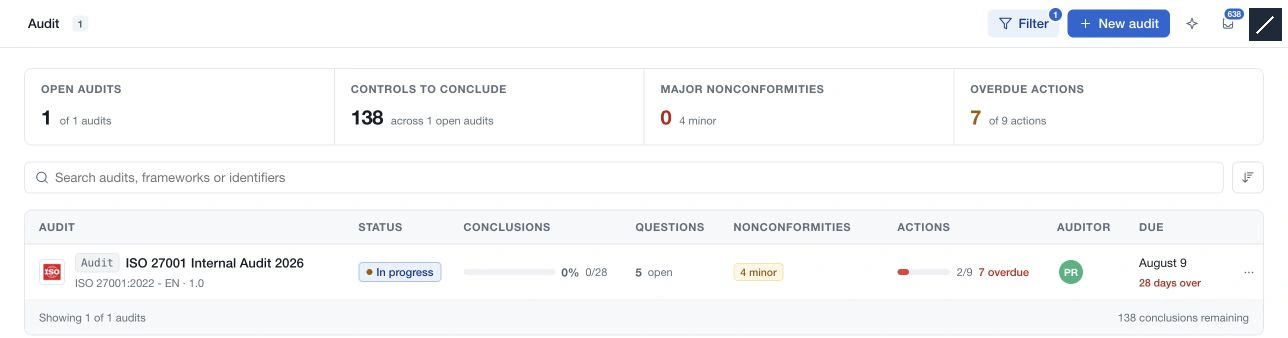
The register shows audit status, conclusion progress, open questions, nonconformities, actions, auditor and due date. Search or filter the register, then open an audit to work in Elements or review Summary.
In Elements, the left structure follows the framework captured for that audit. Select a requirement to compare the organisation's assessment with the auditor's reading, document scope and implementation, gather answers and evidence, and record a conclusion.
The Summary view separates scope, conclusions, implementation, findings, actions and maturity comparisons. These measures answer different questions: a requirement may be implemented while the auditor's conclusion is still pending.
Use Complete audit to run the readiness check. Unresolved scope and incomplete in-scope verdicts block completion; outstanding follow-up items also appear as warnings. Report generation has its own action: Generate and publish creates a public read-only snapshot, so review its content before publishing.