Open Demands under Risk to raise and manage assessment requests. A demand brings together the request, business context, affected systems and third parties, risk assessments and response decisions.
Follow the register
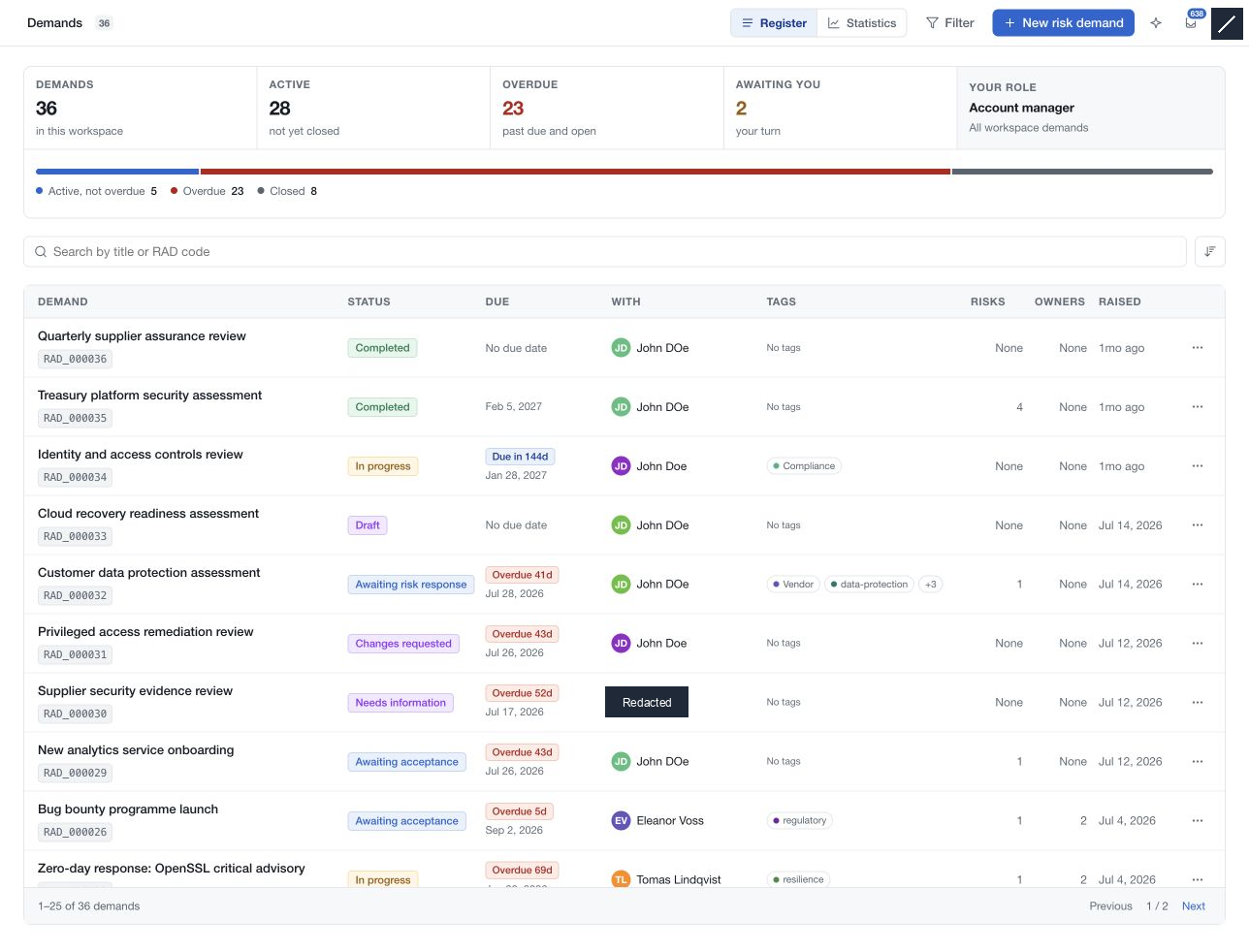
The register shows each demand's status, deadline, current responsibility, tags, linked risks and owners. Use the summary, search, filters and pagination to focus the queue. Statistics provides a broader view of demand activity.
Start with a draft
Choose New risk demand, enter a clear title, check the requester and create the draft. Complete its information and scope before submitting it for review. Submission is the notification boundary; drafting alone does not alert the submission audience.
Work through the assessment
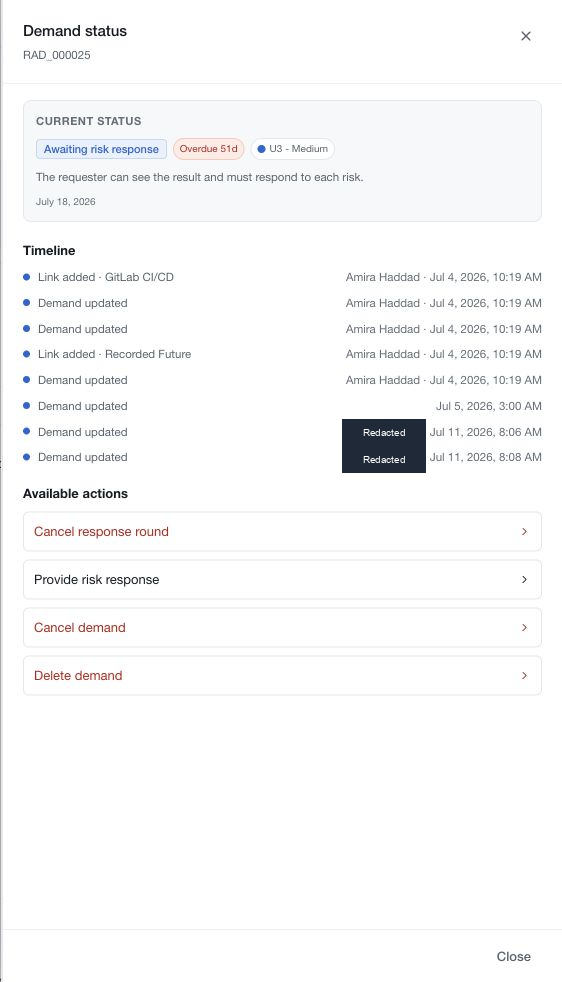
Open a demand to read its context and risk cards. The flow diagram links the demand to its risks and remediation plans. View status shows the current workflow stage and available actions.
Your workspace can use Direct review, Analyst review or Analyst + assurance. Access and editing change with role and stage, especially during the requester response round.
Complete the demand when the assessment and required reviews are ready. Continue monitoring its risks and mitigation work through Risks and Remediation.