

The Forms module lets you build custom forms and send them to internal resources or third parties to collect information efficiently: context for a risk assessment demand, system classification data, or a third-party evaluation.
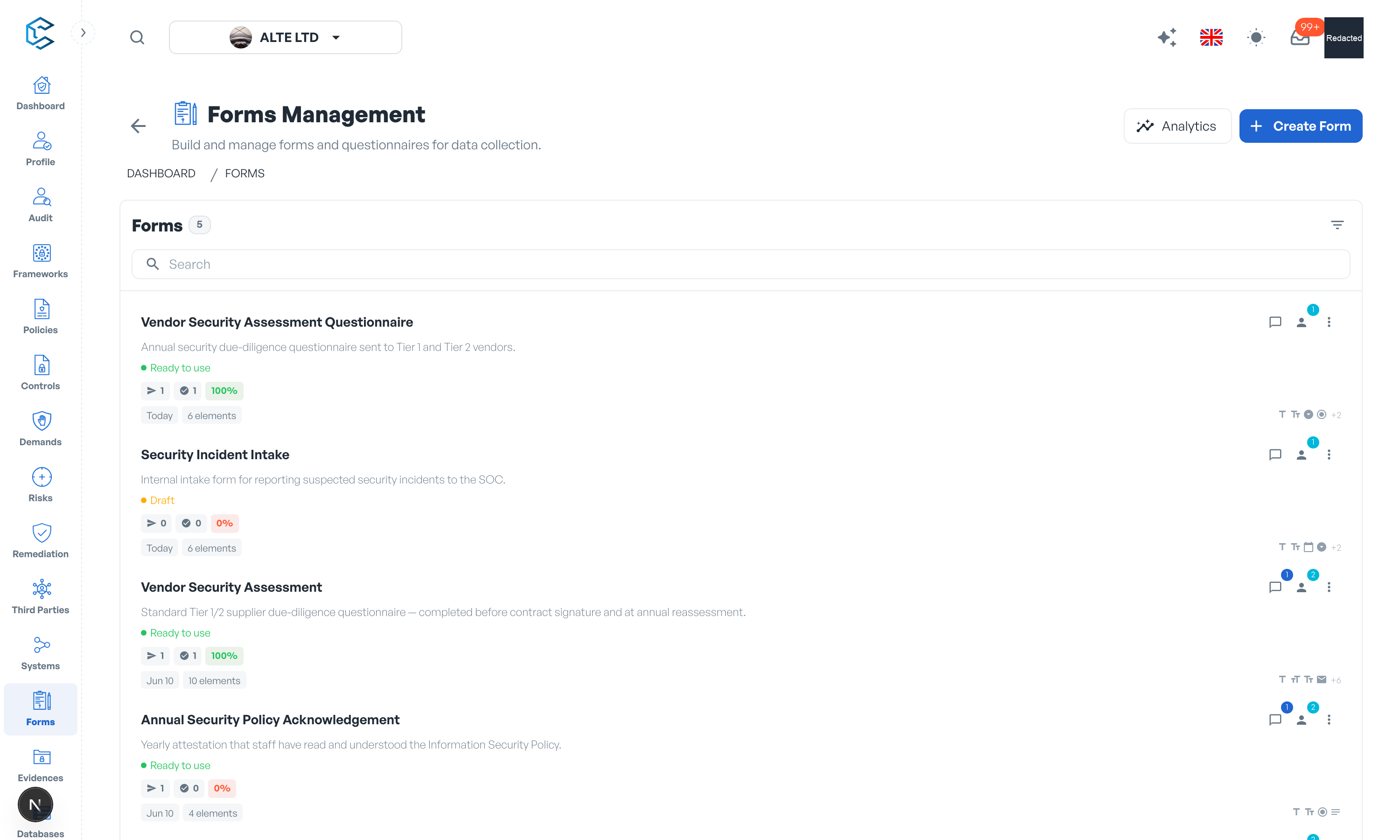
1. Building forms
Assemble a form from ready-made elements: Title, Subtitle and Divider for structure, and Text Input, Text Area (rich text for longer, formatted answers), Number Input, Email Input, Date Picker, Checkbox, Radio Group, Select Dropdown and File Upload for the questions. Organise your forms with categories, and keep drafts separate from the forms that are ready to use.
2. Sending forms
Send a form to workspace members or to external recipients by email; external respondents answer through a secure link without needing an account. For every send you can track completion, resend, copy the link or cancel it.
3. Responses
Each submission is recorded with its answers, files and comments. The analytics view summarises what was sent and completed and lets you read every respondent's full set of answers. Responses collected against a demand, system or third party stay attached to that object, feeding your assessments with first-hand information.
Tip: forms are the easiest way to gather vendor answers during third-party evaluations: the vendor fills the form by email link, and the responses land directly in your workspace.
Privacy note. Personal details in this revision have been removed, masked or replaced for privacy. The original is retained privately.