

The Audit module lets you plan, perform and track audits of your environment: internal reviews, certification preparation or third-party assessments. An audit walks through the elements of a framework, records what the auditor observed, and turns gaps into recommendations and actions you can follow to resolution. It is designed for internal audit teams, compliance officers and the external auditors they work with.
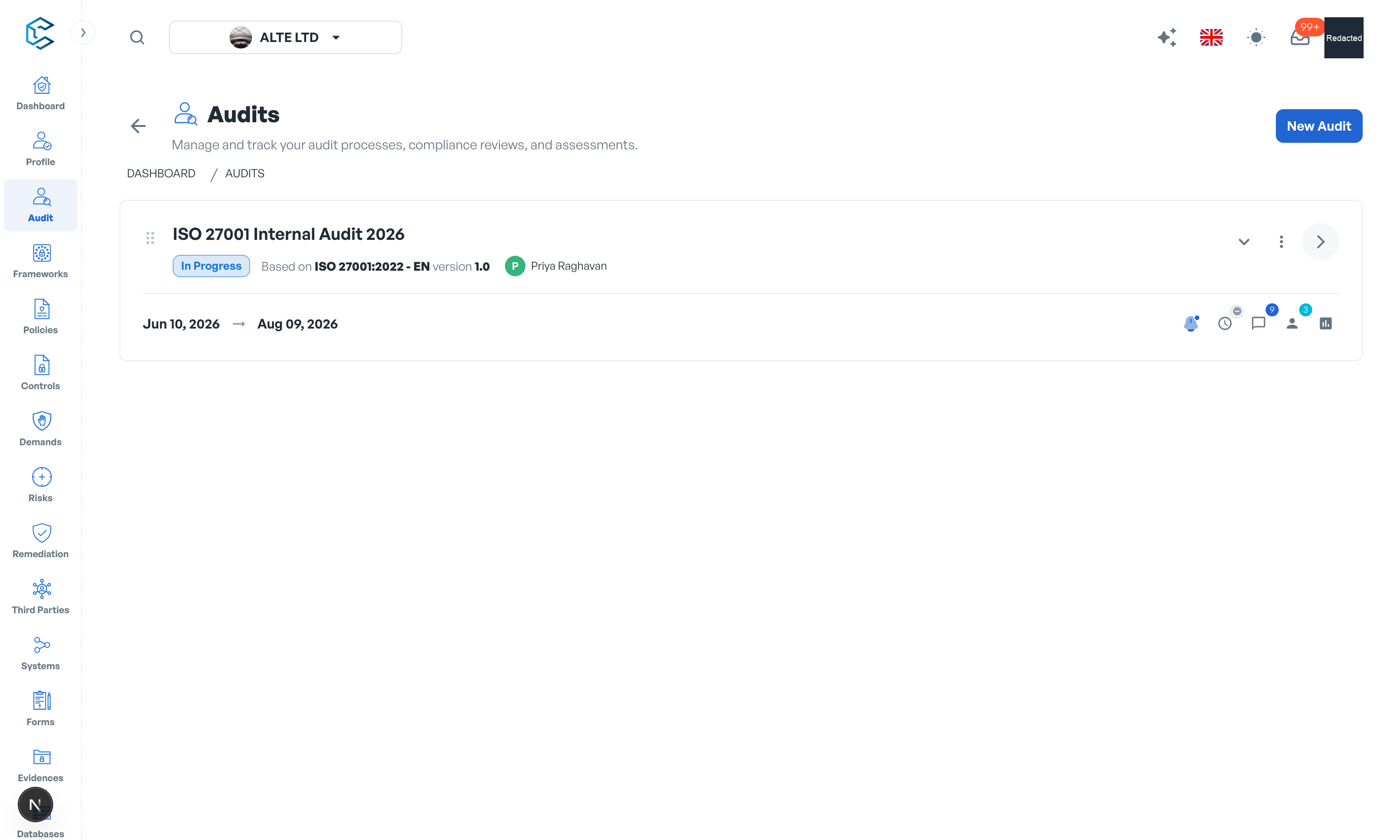
1. How an audit is organised
Each audit covers a scope: the framework elements under review, with each element marked In Scope or Out of Scope. Selecting an element opens its working tabs: Element Details, Questions, Observations, Audit Recommendations and Actions Registry. An auditor can be assigned to the audit, and elements carry an implementation status (Fully Implemented, Partially Implemented, Not Implemented, Not Applicable) plus a maturity assessment.
2. Questions, answers and threads
Auditors raise questions on each element and mark them In Progress or Resolved as answers come in. Every question carries a clarification thread, a running conversation where the audited team and the auditor exchange details until the point is settled; threads can be resolved and reopened. Observations capture what was actually found.
3. Recommendations and actions
Findings become recommendations with a priority, and recommendations break down into concrete actions tracked in the Actions Registry, so nothing discovered during the audit is lost once the report is delivered.
4. Progress and analytics
The statistics view summarises the audit at a glance: the Security Framework Maturity Overview, the Audit Scope breakdown (in scope, out of scope, unknown) and the Implementation Status distribution. When the work is done, the audit is completed; it can also be reset if it must be rerun.
5. Reports and evidence
Audit reports move from Draft to Published (and later Archived) and can be shared by link. Throughout the audit, evidences (documents or links) are attached where they support an answer or a finding.
Tip: the Dashboard cockpit shows audits in progress, their findings and actions, so management can follow audit activity without opening the module.
Privacy note. Personal details in this revision have been removed, masked or replaced for privacy. The original is retained privately.